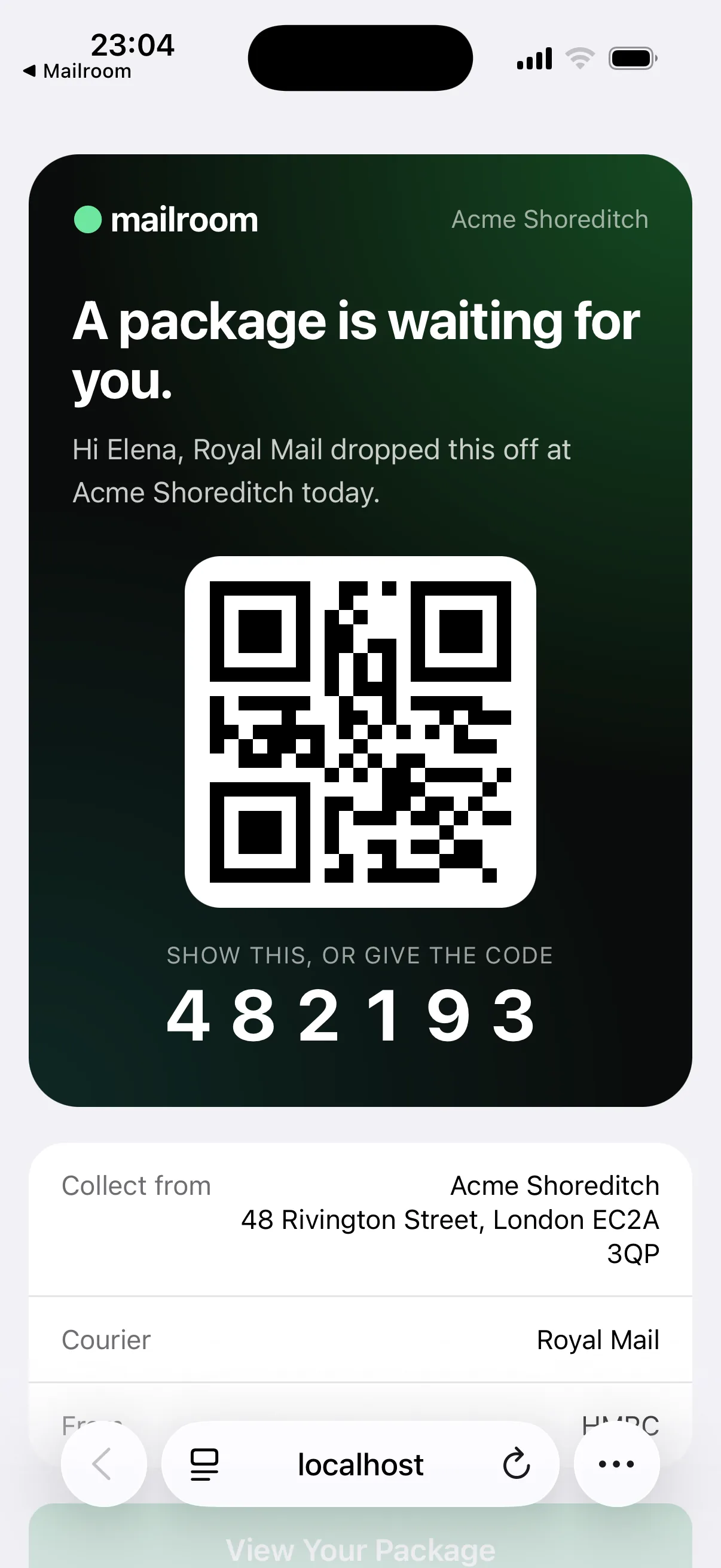
Notified in seconds, reminded until collected.
An arrival email goes out as soon as you scan, then reminders on the days you choose. On Team, urgent items and final reminders can go by text too.
For company offices and multi-tenant buildings
Scan the label and Mailroom does the rest: it finds the person, team or tenant company, sends their pickup code and records the handover.
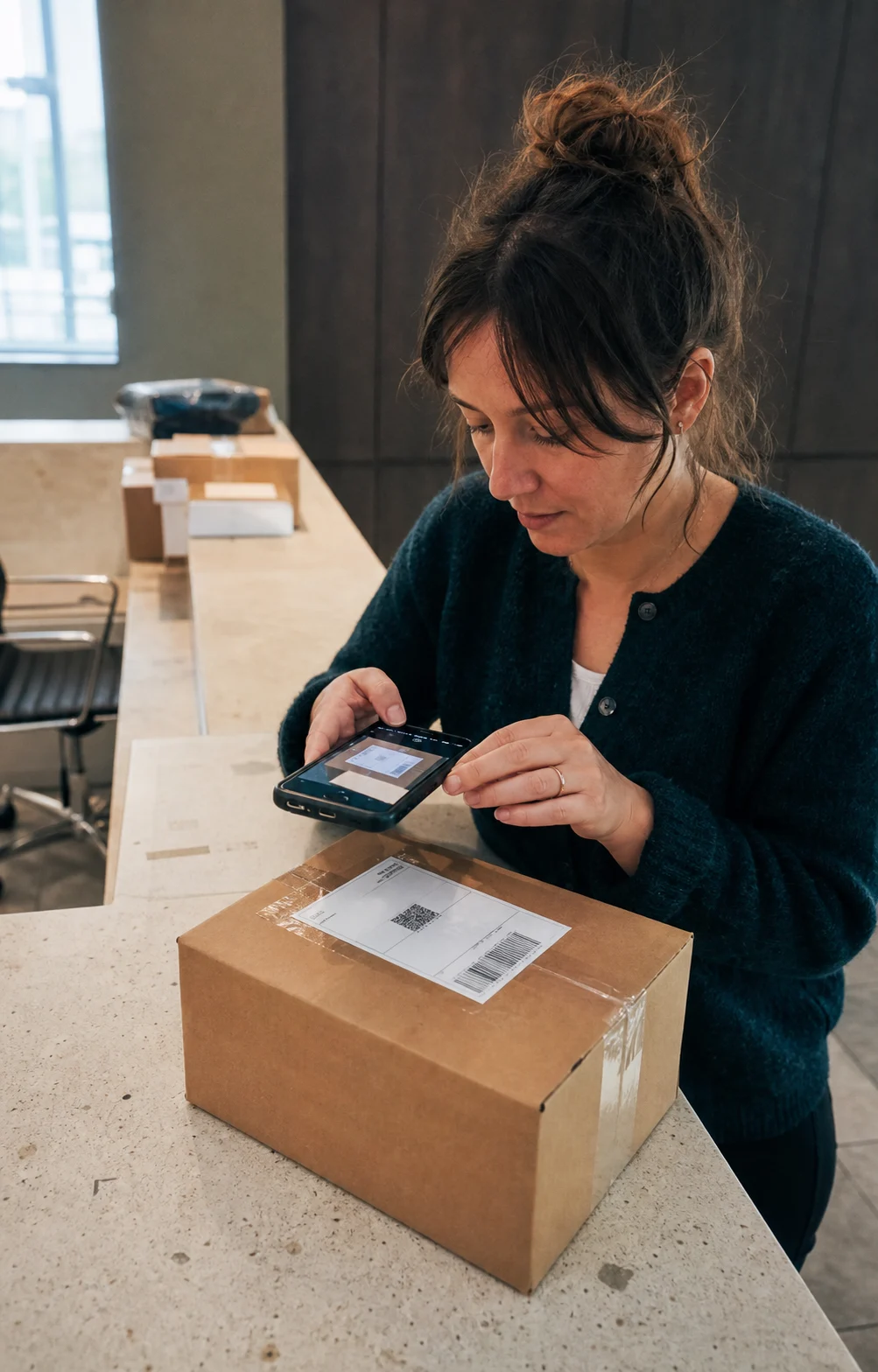
Reception is busy, and deliveries keep growing. Logging, emailing and chasing every parcel takes time, and without a record, things go missing. Mailroom’s AI reads the label and notifies the right person in seconds, reminds them until they collect, and keeps a record of every step.
Manual times are our estimate for a paper log with emails written by hand.
Based on 3.2 min saved per parcel, 21.7 working days a month and £15 an hour of desk time.
An arrival email goes out as soon as you scan, then reminders on the days you choose. On Team, urgent items and final reminders can go by text too.
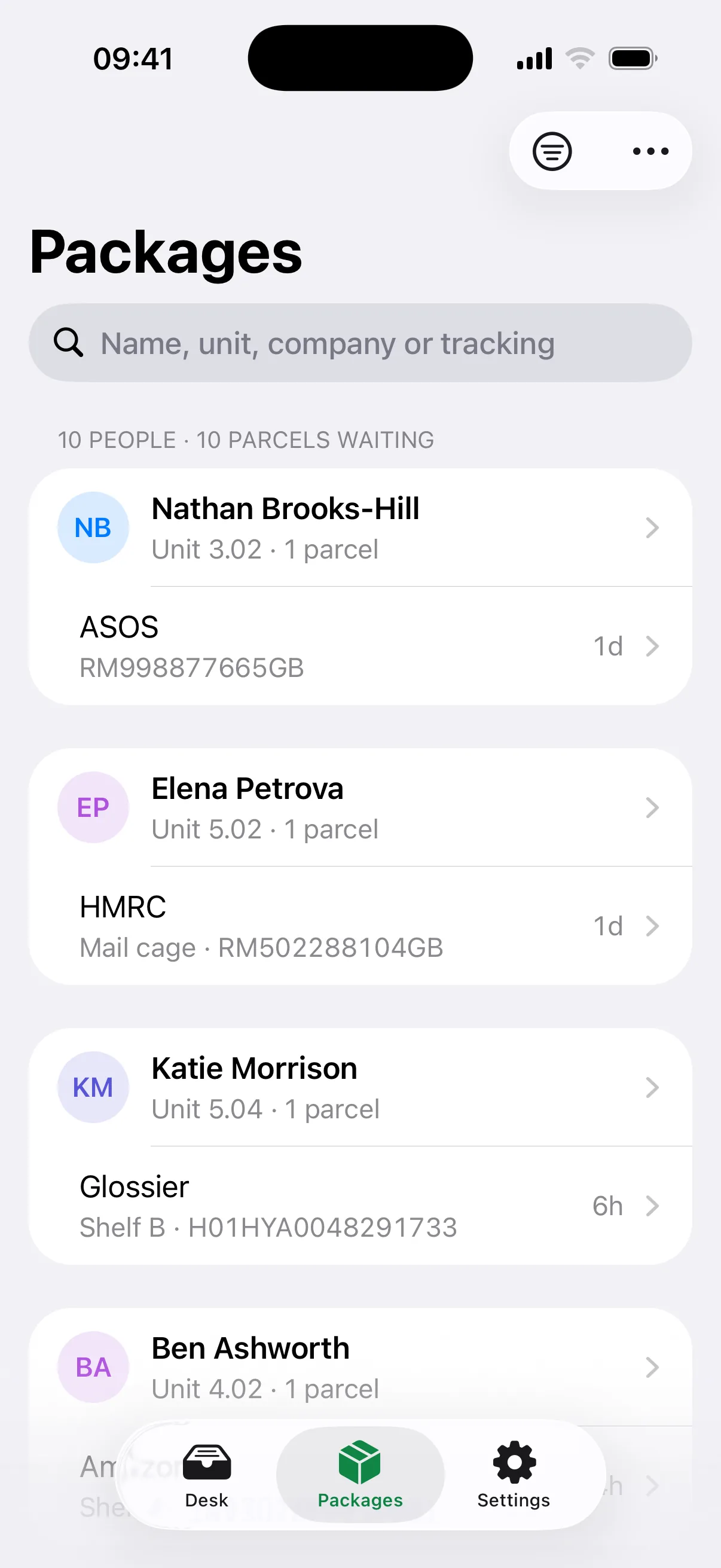
Your directory holds people, teams and tenant companies, with alternative names for each. A label for “Finance” or “Northbeam Ltd” goes to whoever collects for them.
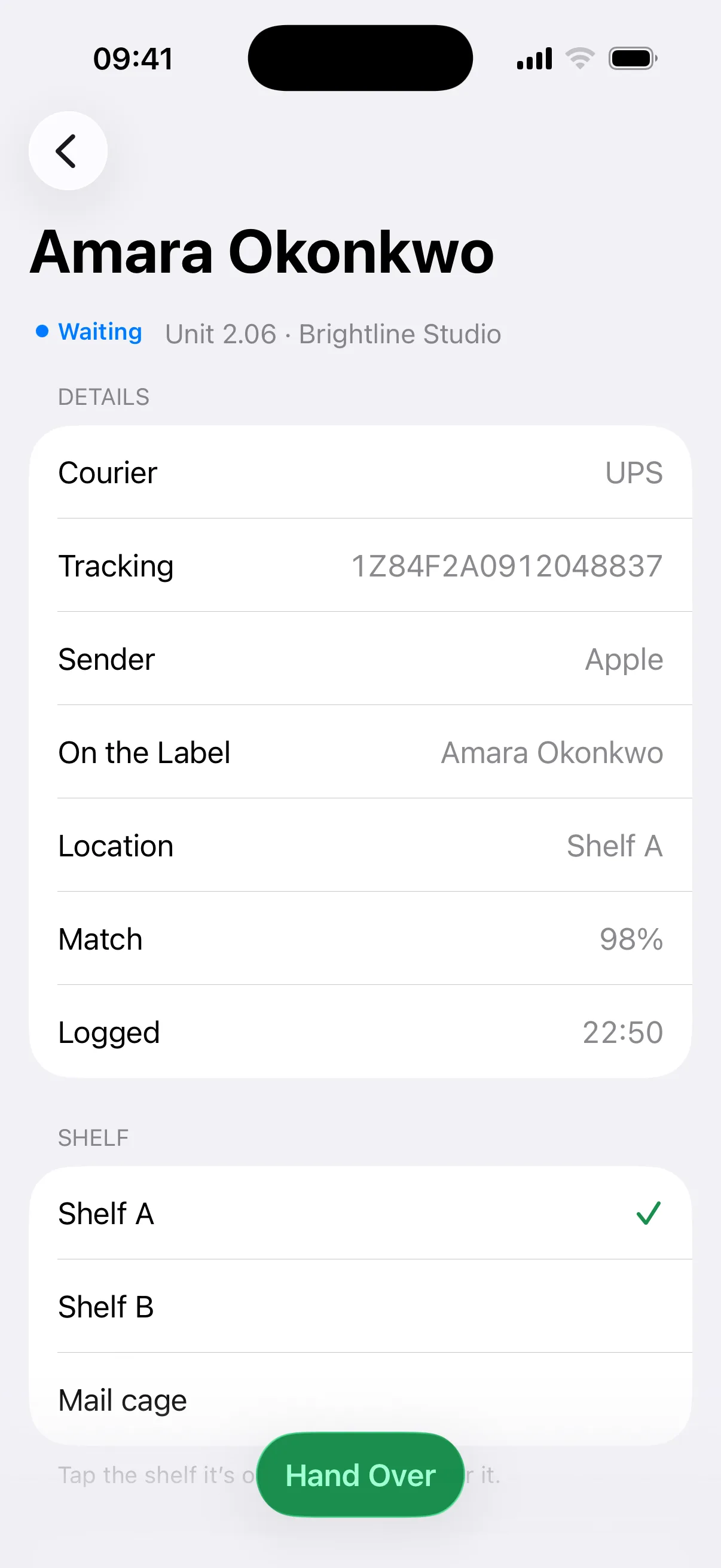
Flag urgent items, note damage and assign a shelf in the same step, so anyone on the desk can find anything.
Mailroom reads the name, company, courier and tracking number from any label, then checks the name against your directory. How sure it is decides what happens next.
The recipient gets their pickup code seconds after the scan. Nobody types anything.
Mailroom shows its top suggestions. One tap confirms the right one, then it sends.
The parcel waits in a holding queue. Nobody is emailed until someone assigns it.
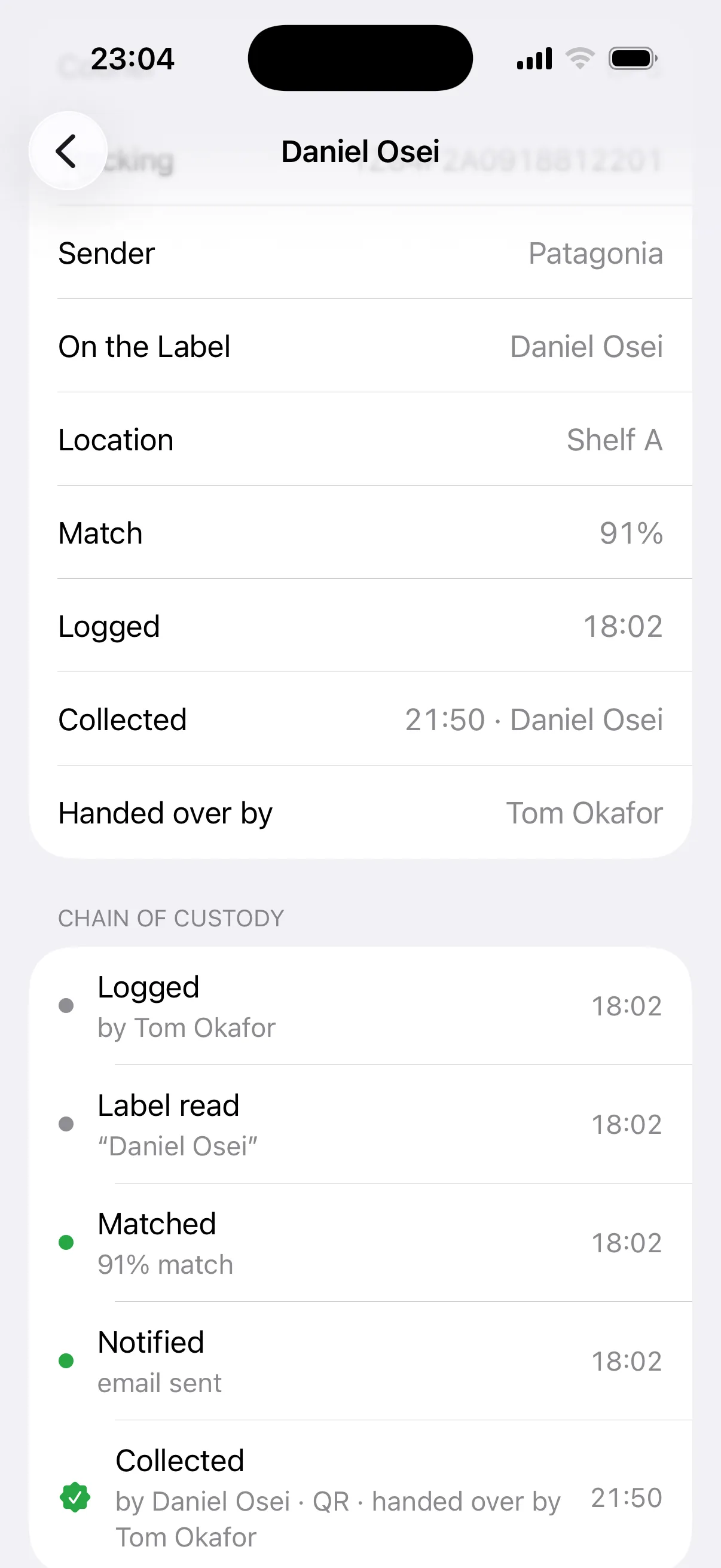
Every item has a timestamped history: when it arrived, who was told, and when and how it was collected. When someone asks, you have the answer in seconds.
Import staff, teams and tenant companies from a Google Sheet that Mailroom syncs every hour, or upload a CSV. Leavers drop out automatically.
Each reception desk is one site, from £19 a month + VAT, with no per-parcel or per-person fees. Parcels are unlimited on every plan. Standard covers 150 people. Team, at £39, has no limit on people and adds named staff.
See plans and pricingNo. They get an email with a QR code and a six-digit PIN, plus a live status page for their item. Only reception uses the Mailroom app, on iPhone, iPad, Android or the web.
Yes, on Team. Each person signs in with their own account, so the record shows who logged and who handed over every item. Standard uses one shared reception login.
Yes. Add each tenant as a company with the person who collects for them. Labels addressed to the company match it, and that person gets the email.
Each site sees only its own directory and parcels. Label photos are deleted 30 days after collection, a person’s details can be erased on request, and our data processing terms are published at withmailroom.com/data-processing-terms.
Download the app, create your organisation, import your directory from Google Sheets or a CSV, then invite reception and scan the first parcel. The 14-day trial needs no card.
Import your directory, invite reception and scan. 14 days free, no card required.
Or log in on the web