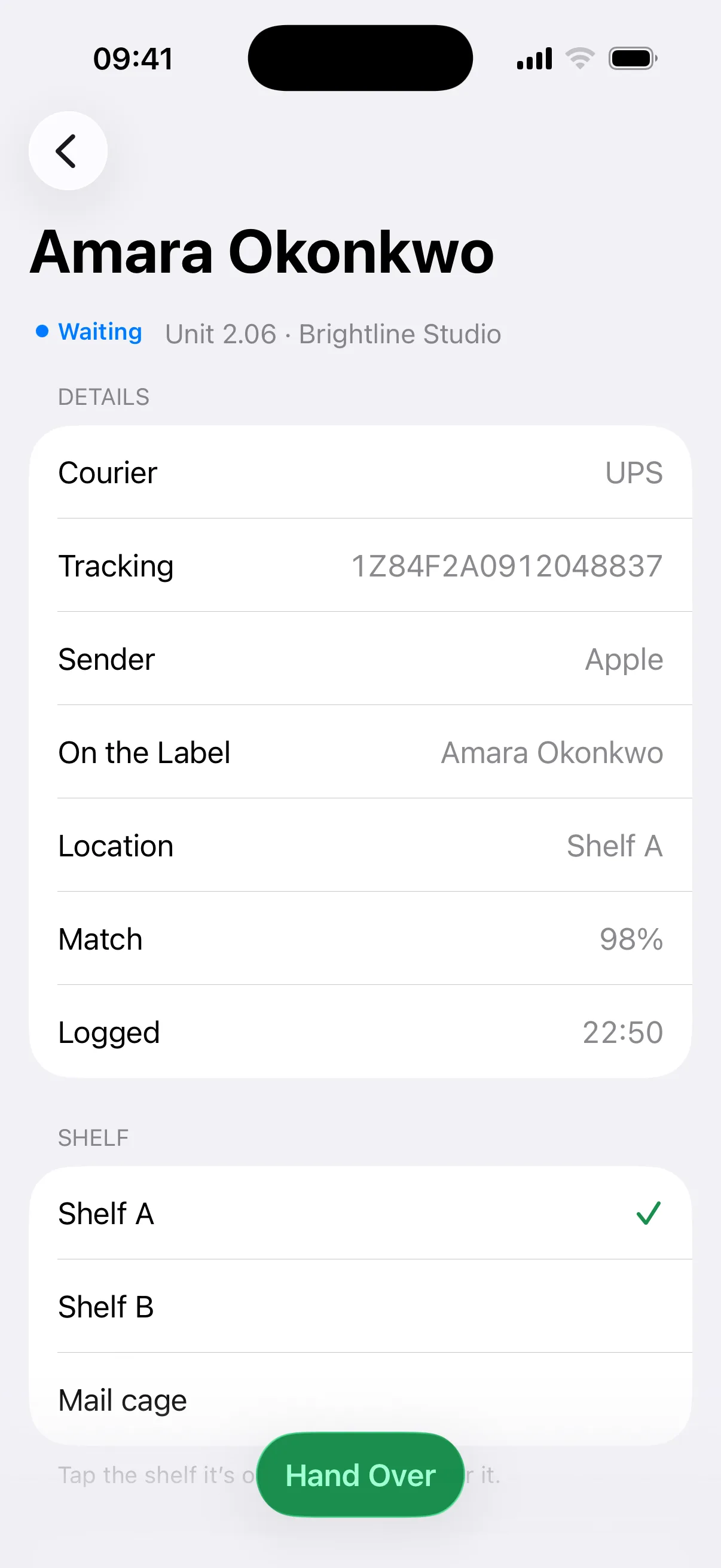
Scan. Don’t transcribe.
Mailroom reads the name, courier and tracking number while your team moves on to the next parcel.
Parcel management software for reception desks
Your team scans the label. Mailroom finds the recipient, sends their pickup code and records the collection.
Free trial, no card needed. From £19 a site a month, or £63 for an apartment building.
See how it works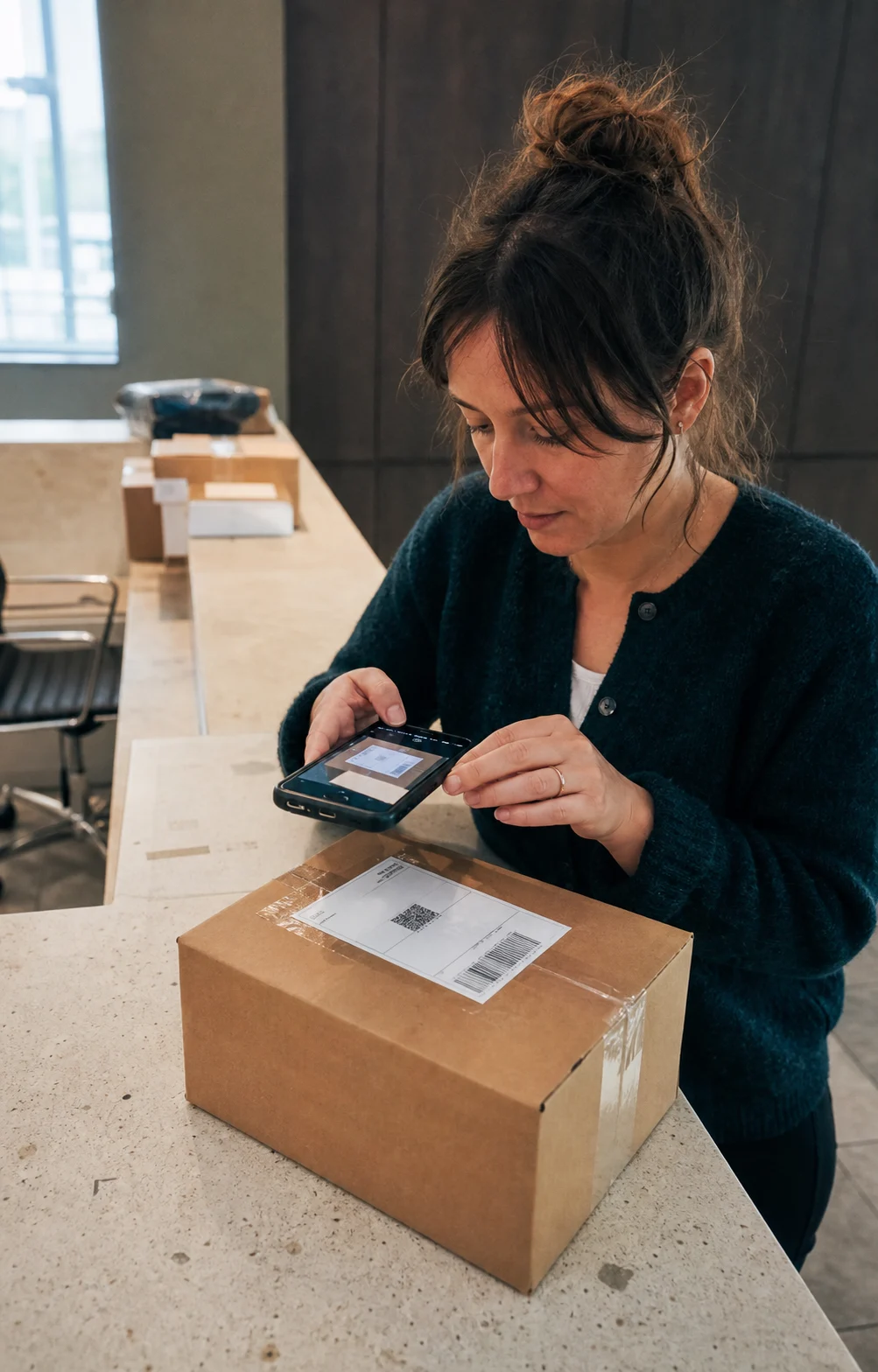
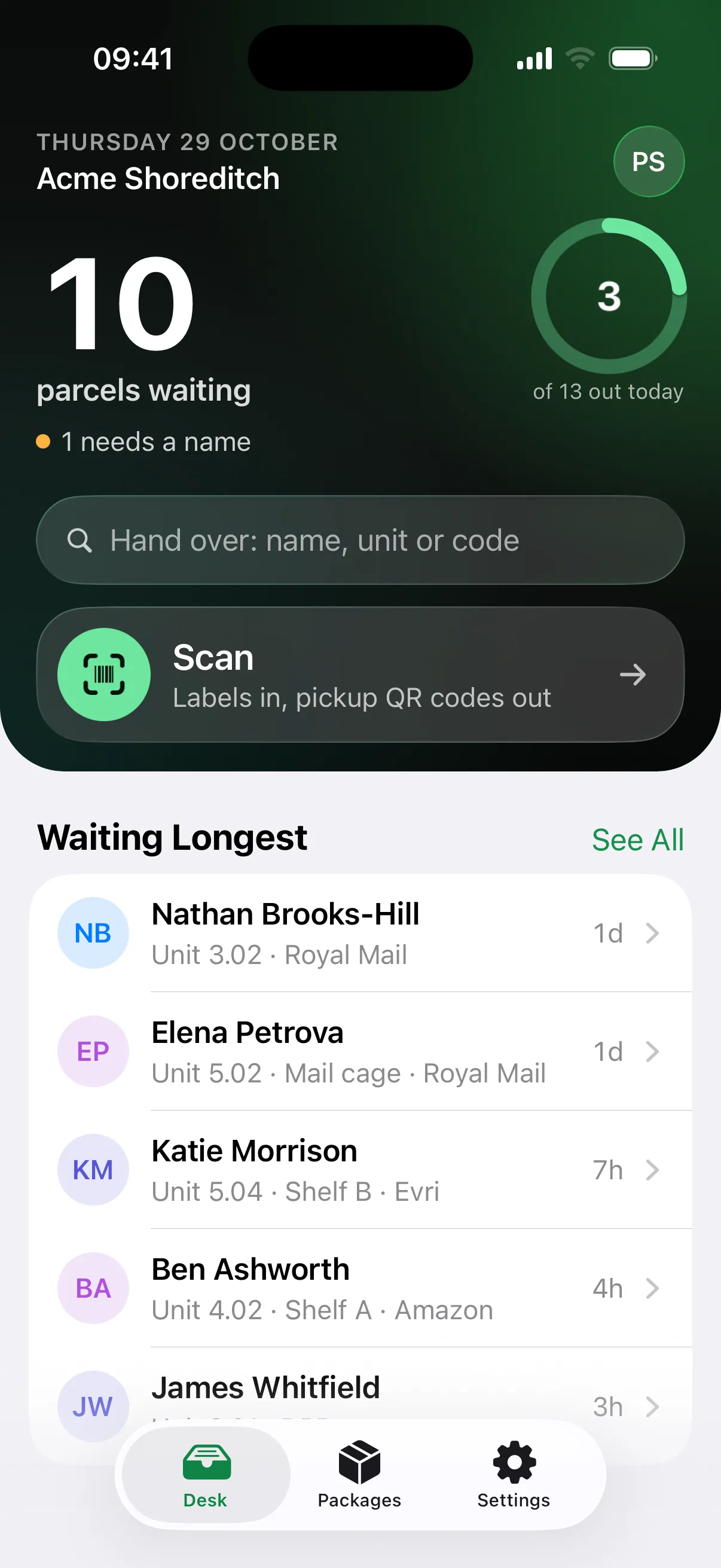
Reads labels from every courier



A delivery shouldn’t mean data entry, typed-out emails and digging through a logbook. With Mailroom it’s one scan, and nothing for recipients to download.
Mailroom reads the name, courier and tracking number while your team moves on to the next parcel.
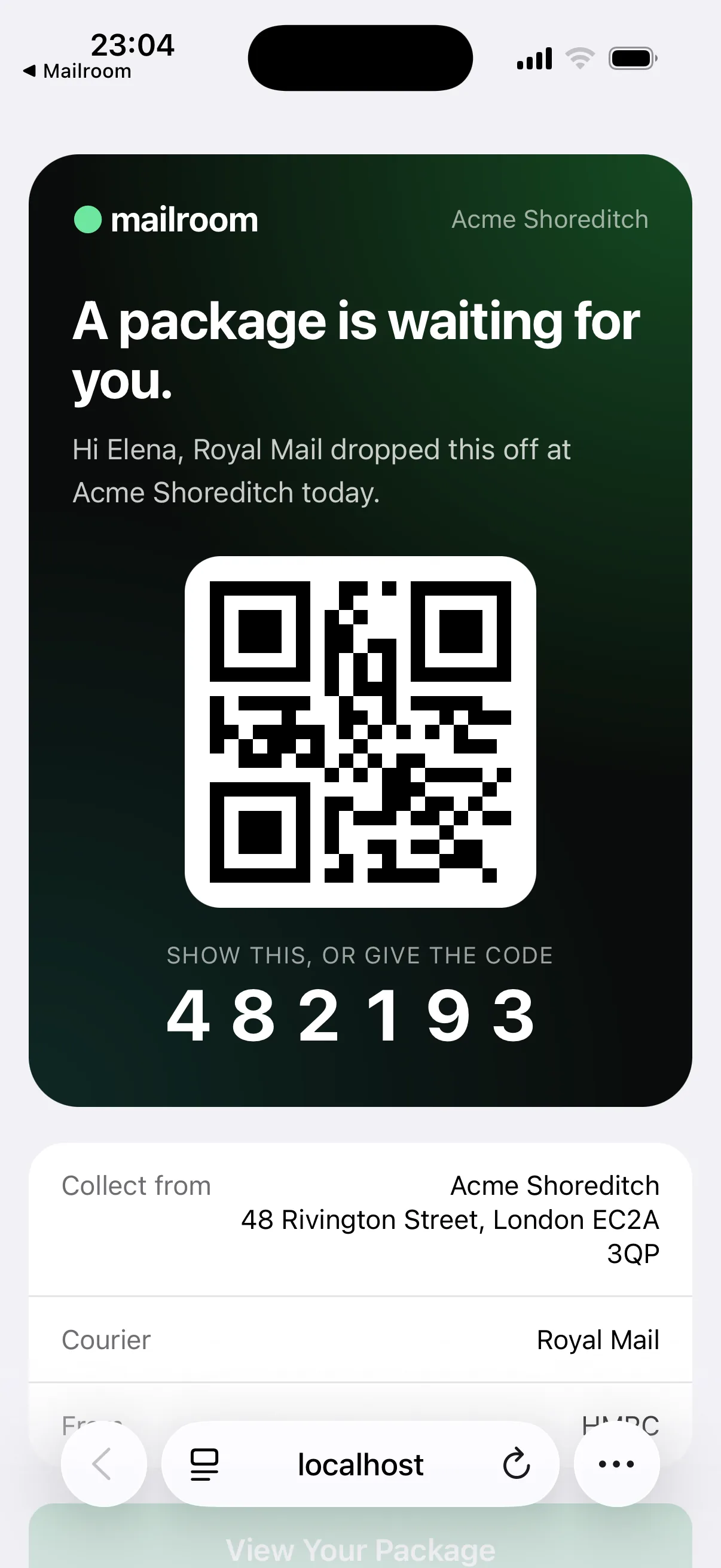
Recipients get an arrival email straight away, then reminders on the schedule you set. Reception doesn’t have to chase anyone.
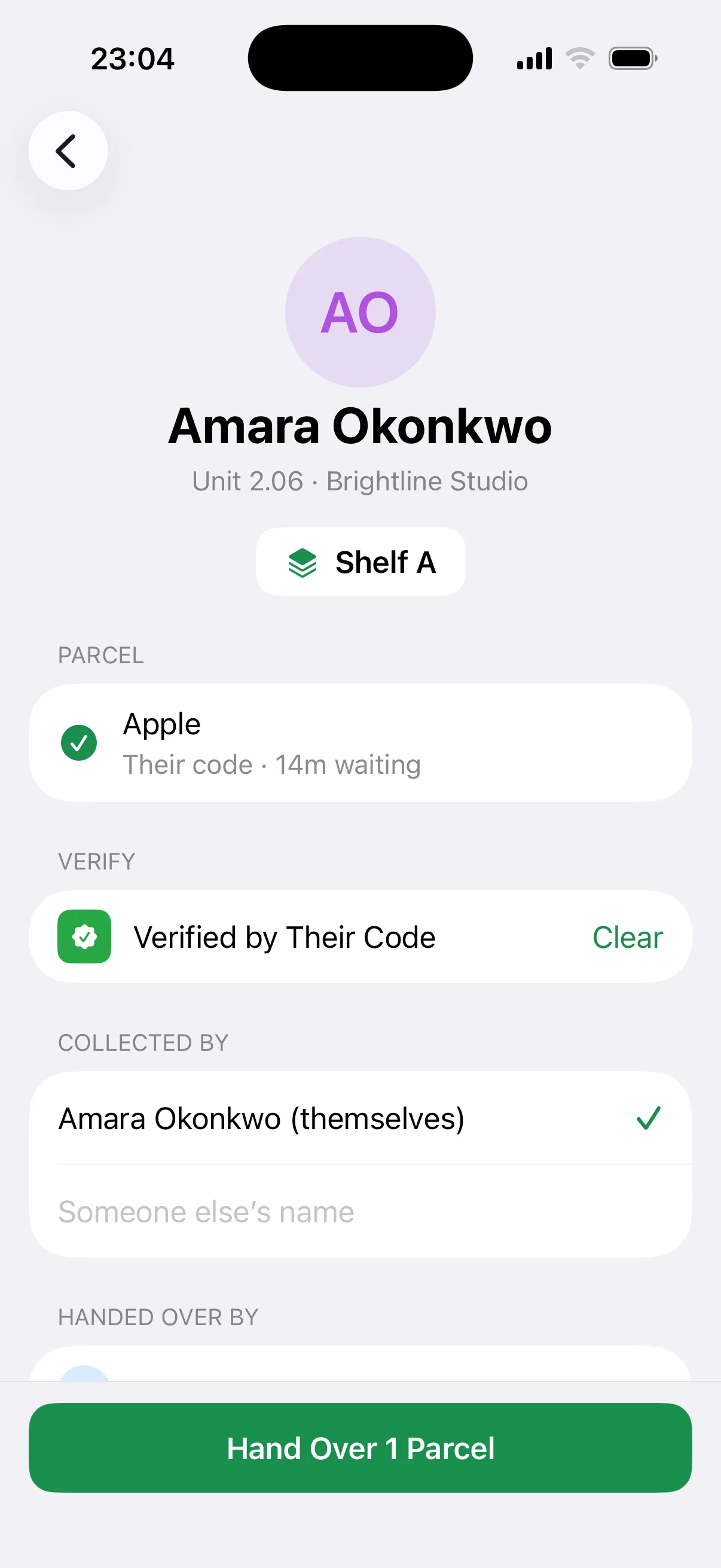
Scan the recipient’s QR or enter their PIN. Mailroom records who released the parcel and when.
Every parcel has a timestamped history from arrival to collection. No searching through paper logs, inboxes or camera footage.
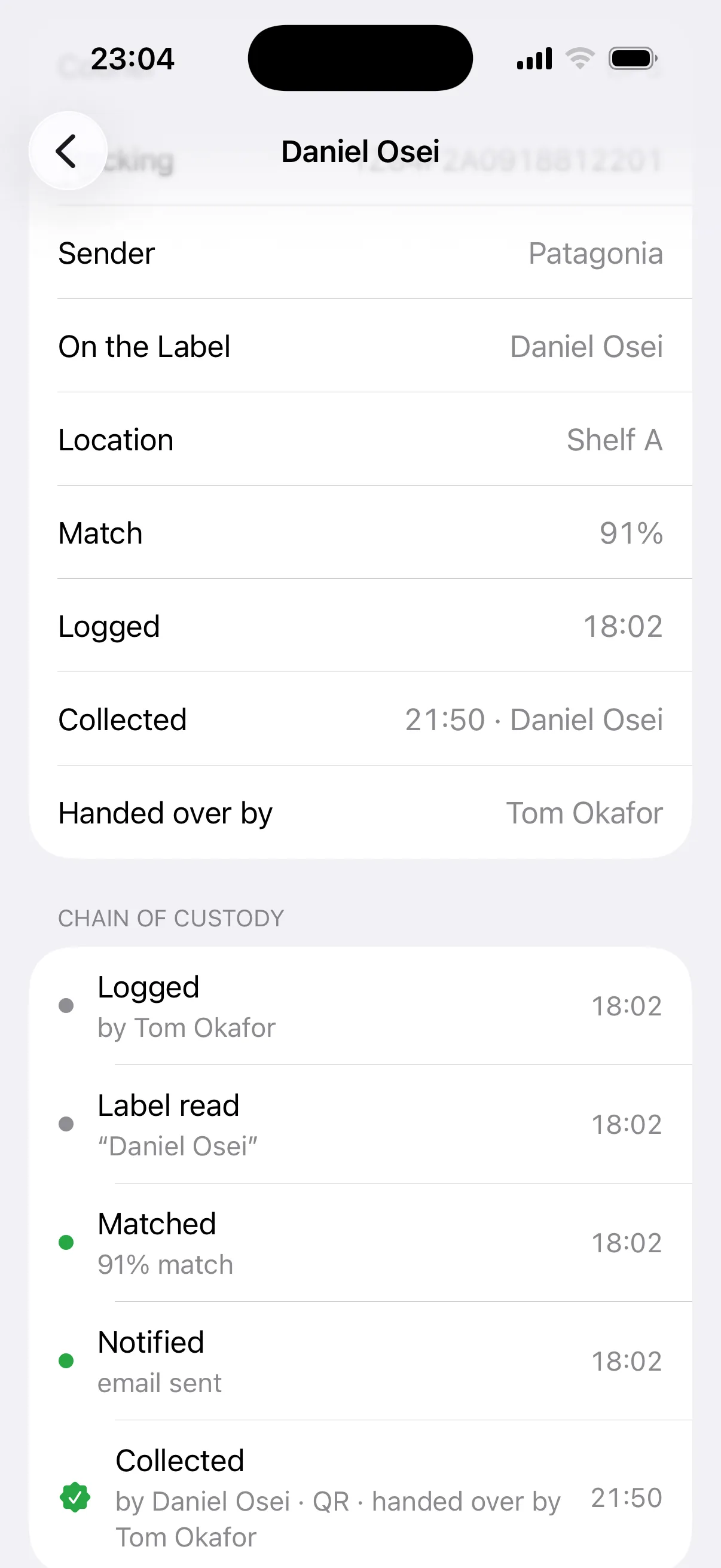
Point the camera at the label. Mailroom reads the recipient, courier and tracking number.
Mailroom matches the recipient against your directory and emails them a secure pickup code.
Scan the QR or enter the PIN. The collection is recorded with who released it and when.
Manual times are our estimate for a paper log with emails written by hand.
Based on 3.2 min saved per parcel, 21.7 working days a month and £15 an hour of desk time.
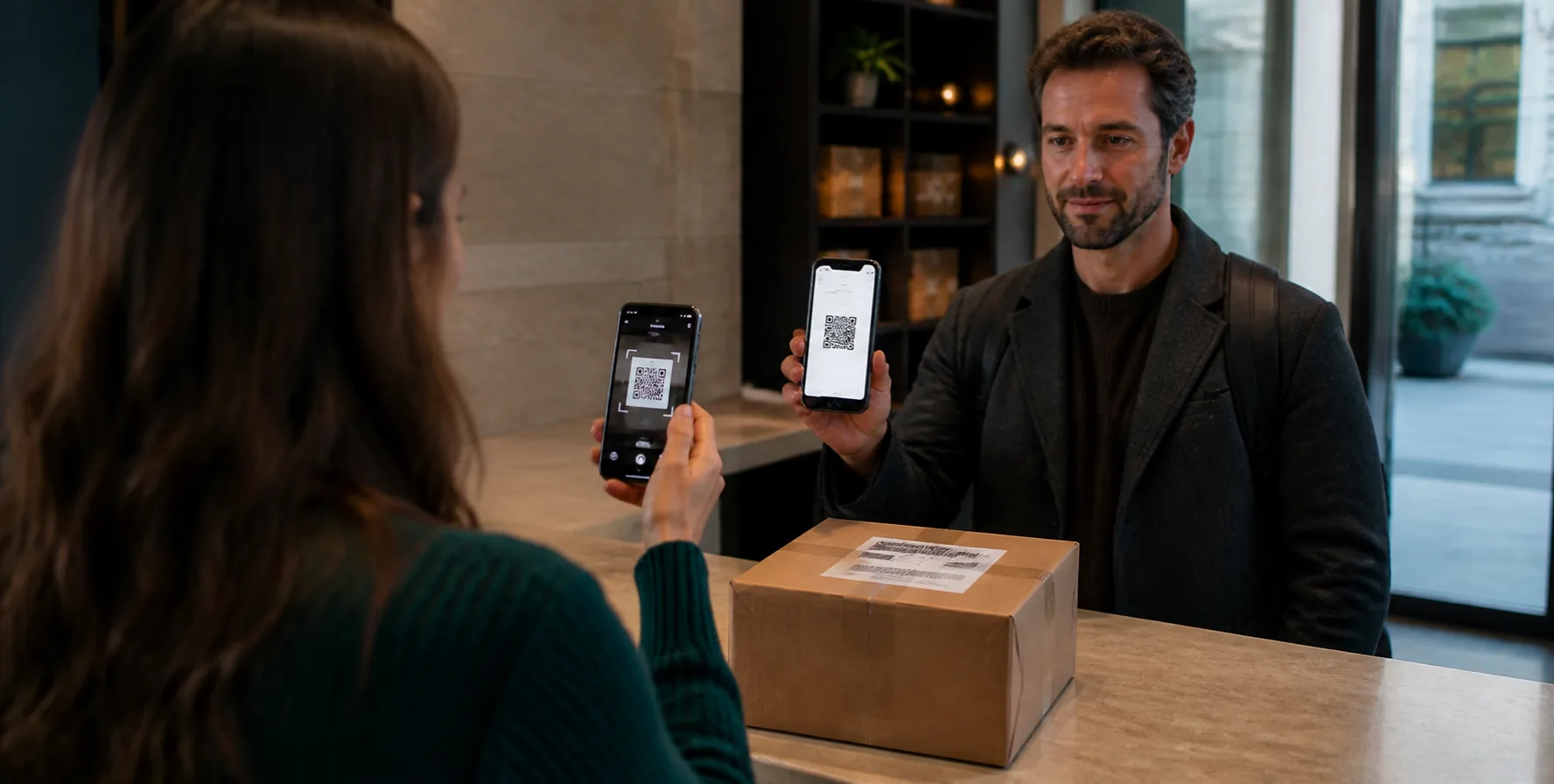
Your reception team uses Mailroom on the phone or tablet already at the desk. Recipients get a secure email link, with no download, account, password or training.
Members, tenants, residents or students: Mailroom matches parcels the way your building names people, and every one ends in a recorded handover.
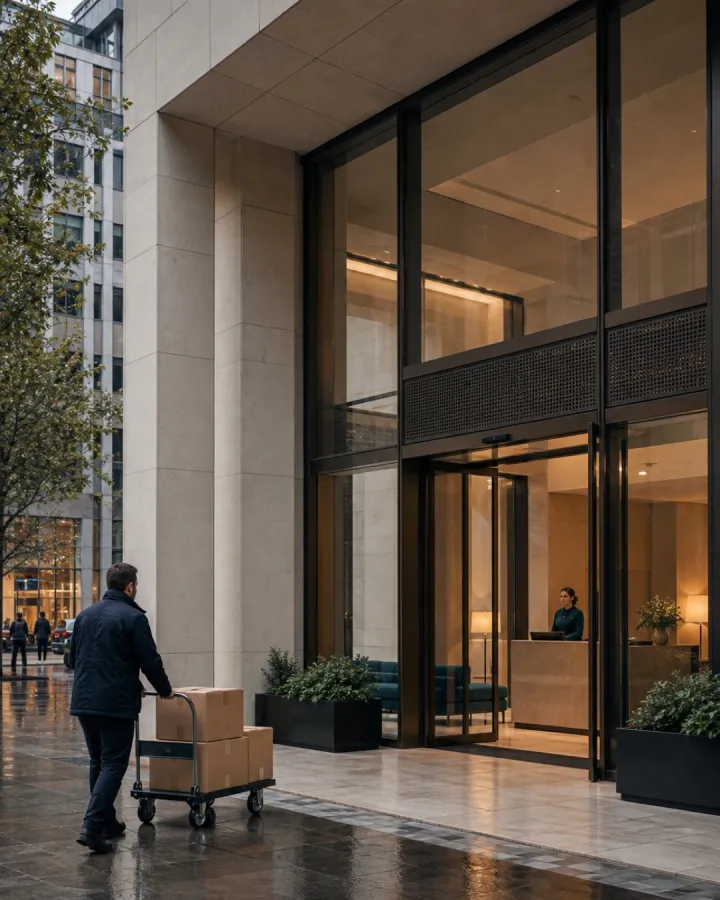
Staff, teams and tenant companies, with a verified handover for every item.
See how it works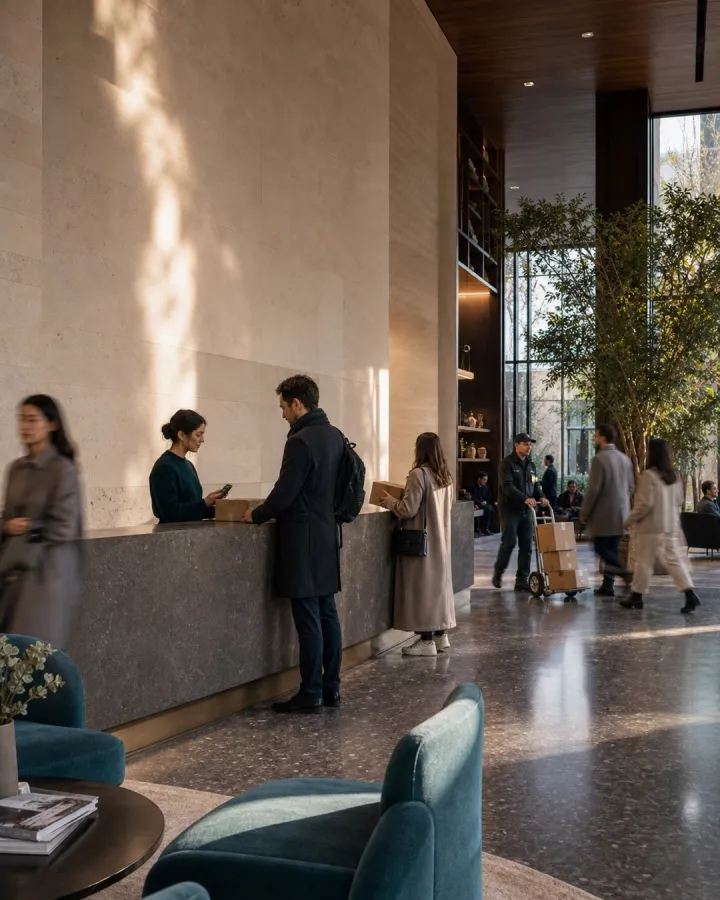
Members and companies synced from OfficeRnD, priced per location.
See how it works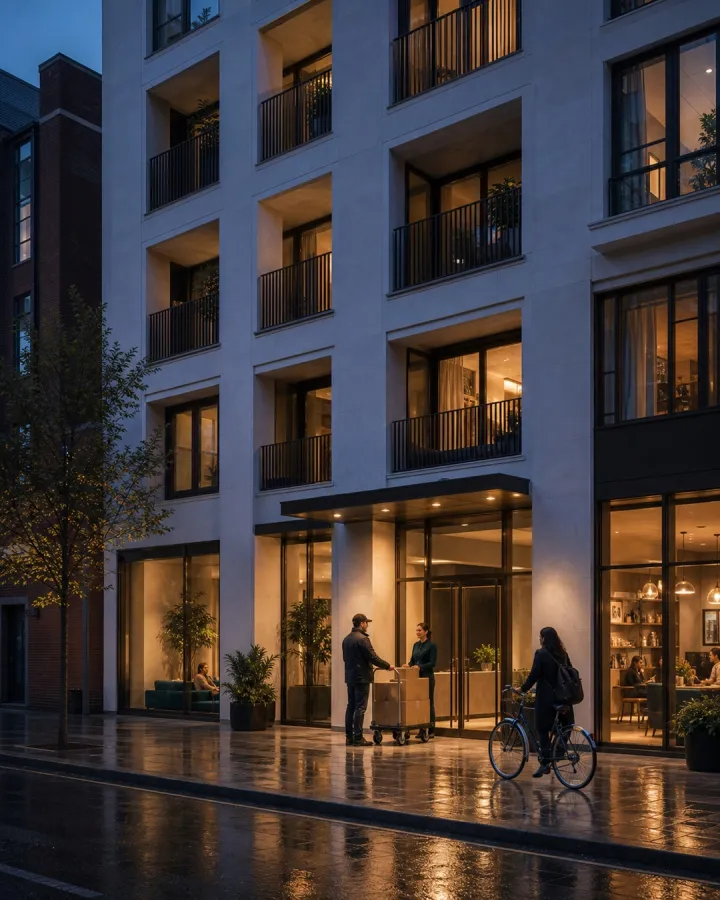
Parcels routed by flat number, with reminders that clear the shelves.
See how it works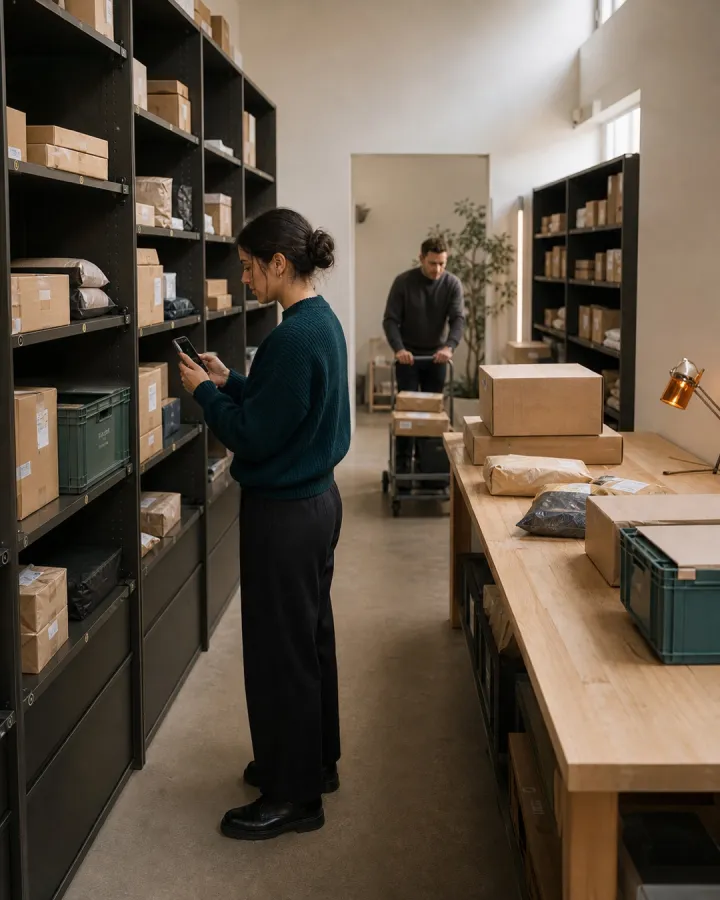
Term-start peaks cleared one scan at a time, with a fresh list every year.
See how it worksOffices and coworking spaces pay per site. Apartment buildings and student halls pay one price per building. Parcels and email are unlimited on every plan, and there’s no sales call.
Prices are in pounds and exclude VAT, which is added at checkout.
For one reception desk
Start 14-day free trial
For teams that need named accountability
Start 14-day free trial
For apartments, build-to-rent and student halls
Up to 400 flats or beds
Start 30-day free trialRunning several sites? Each site is priced and billed on its own. Six Team sites are 6 × £39 = £234 a month. All of your sites sit under one organisation account, and its owners and admins manage them from one login.
More than 400 flats, or a portfolio of buildings? Talk to us.
Mailroom is parcel management software for reception desks. Your team photographs a shipping label, Mailroom reads it, matches the recipient in your directory and emails them a pickup QR code and PIN. Each collection is recorded with who released it and when.
Offices and coworking spaces pay per site: Standard is £19 a month and Team is £39 a month. Apartment buildings and student halls pay £63 a month for the whole building, up to 400 flats or beds. Parcels and email are unlimited on every plan, and paying yearly gives two months free.
No. Recipients get an email with a QR code and a six-digit PIN, plus a live status page for their parcel. Only your reception team uses the Mailroom app.
All of them. Mailroom reads the label itself, so it works with Royal Mail, DPD, Evri, Amazon, UPS, DHL, FedEx and any other courier, with nothing to connect.
A few minutes, in the app. Import your directory from a spreadsheet, Google Sheets or OfficeRnD, invite reception and scan your first label. There is no sales call and no hardware to buy.
When Mailroom is unsure, it shows the closest matches and your team confirms the right one with a tap. If nothing fits, the parcel waits in a holding list until someone assigns it. Mailroom never guesses a name.
Reception uses Mailroom on iPhone, iPad, Android or the web, on the phone or tablet already at the desk.
Import your directory, invite reception, and start. 14 days free for offices and coworking, 30 for apartment buildings, no card required.
Or log in on the web